:
5 stars
Trustscore 4.9 | 1,427+ reviews

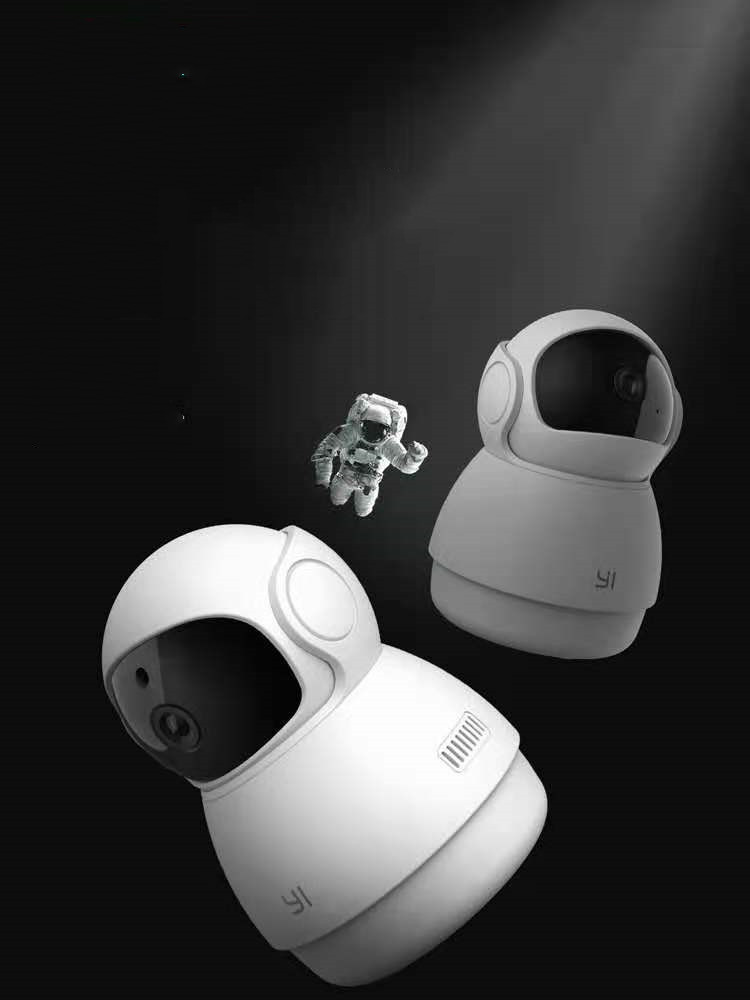
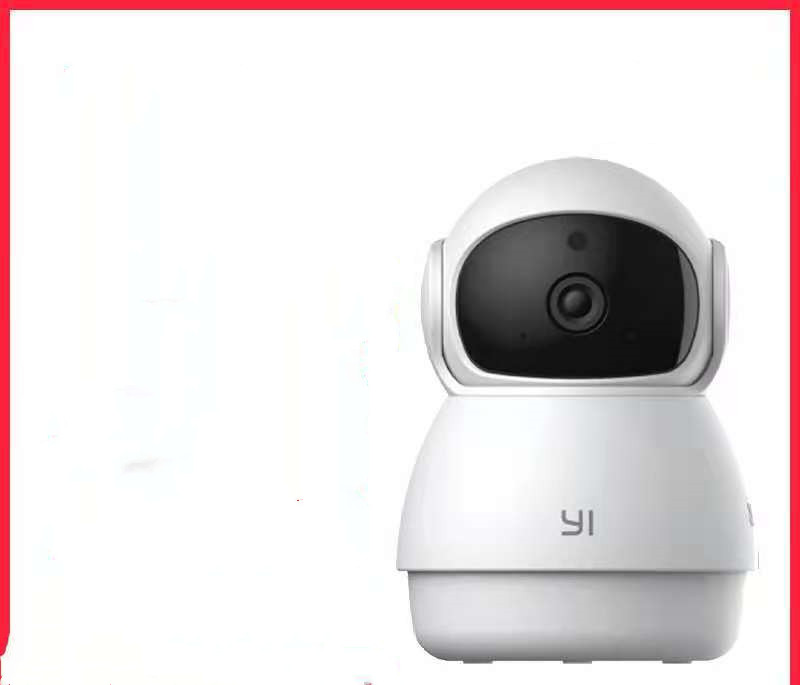
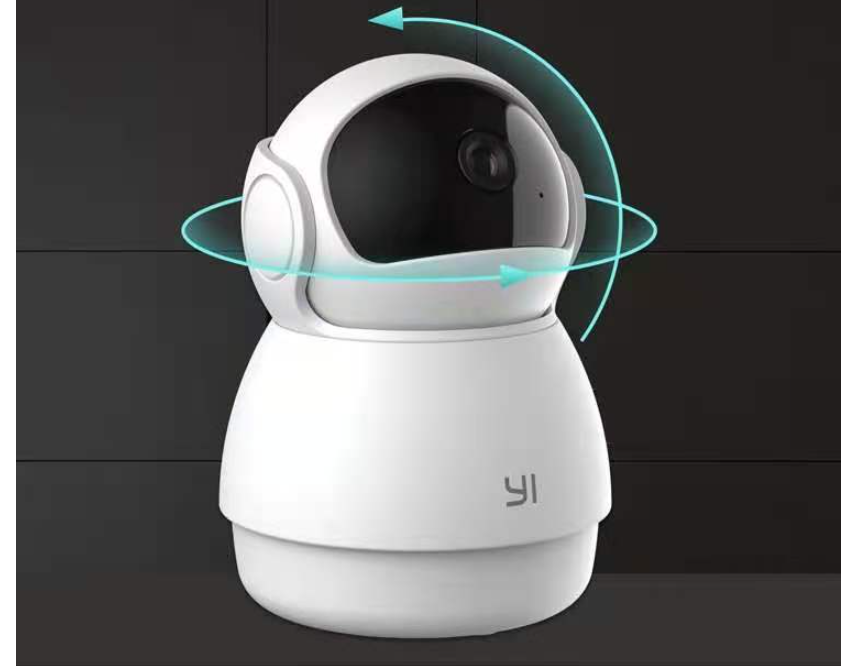
Home HD Monitoring Wireless Wifi Mobile Phone Remote

Regular price Dhs. 142.00
Sale price Dhs. 142.00 Regular price Dhs. 167.00
Unit price
24 people are viewing this right now
🔥 LAST CHANCE! Only 20 LEFT!
Deliver by
FAST UAE Shipping
  
 
🔒 Secure Checkout
Google Verified
💰 Money Back Guarantee
★★★★★
Absolutely loved it! Quality is better than expected and delivery was quick.
— Aisha Al Nuaimi
✔ Verified
★★★★★
Very satisfied with the purchase, it feels premium and works perfectly.
— Ahmed Al Mansoori
✔ Verified
★★★★★
Excellent quality and packaging. Highly recommend it to everyone.
— Sara Al Ketbi
✔ Verified
★★★★★
Perfect fit and exactly as described. Worth every penny.
— Ali Al Shamsi
✔ Verified
★★★★★
Amazing product, exceeded my expectations. Highly recommend!
— Maria Rodriguez
✔ Verified
★★★★★
The build quality is superb. Will definitely order again.
— Omar Al Mazrouei
✔ Verified
★★★★★
Fast delivery and the product feels premium. Totally worth it.
— Noor Al Nuaimi
✔ Verified
★★★★★
Customer service was excellent, they guided me well. Thank you!
— Bilal Hassan
✔ Verified
★★★★★
Product matches the description perfectly. Happy with my purchase.
— Fatima Al Ali
✔ Verified
★★★★★
One of the best purchases I’ve made this year. Highly recommend!
— Khalid Al Mansoori
✔ Verified
Ask a question

Ask a Question

* Required fields

Size guide Share
Product description
Tab heading

Product material:
Material: ABS

Details:
Horizontal resolution :1080P
Function: panoramic monitoring, intelligent tracking, infrared night vision


Setting up your camera with the YI Home app

1. Install the YI home app and create a YI home account
2. Turn on your camera and click the icon on the top right corner of YI HOME app to add your camera
3. Select your Wi-Fi network and enter your Wi-Fi password, then select Connect to Wi-Fi
4.Scan the QR Code displayed on the app and then select next after the QR Code has scanned
5. Select save, then select start using to complete the pairing.
6. If the connection fails, press the reset button and try again.


Wi-Fi settings

1. YI home cameras will need to connect to a 2.4GHz band network. 5GHz WiFi band is not supported
2. Activate the location service on the phone if you encounter an unknown SSID problem
3. Encryption mode must be set to WPA / WPA2 (mixed mode) or WPA2
4. Your Wi-Fi password must be 8 to 20 characters long


Packing list
Camera X1

Recently Viewed Products